Contents
- Index
About Dialog Box
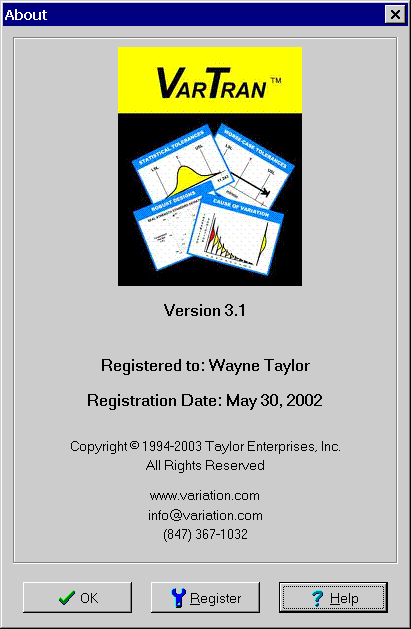
Displays copyright and registration information. If the software is registered, the user name and registration date will be displayed. If the software is within its 30-day free trial period, the last day of the trial period will be displayed. To continue using the software after this date, you must register it by paying a fee.
To close the dialog box, click the OK button. Once the software has been registered, you be provided a registration code. To enter this code into the software so you can continue to use the software, click the Registration button. If the registration information is in the clipboard, the registration process will be completed automatically. Otherwise the Registration dialog box is displayed for typing in the registration information.