Contents
- Index
Keypad Equation Dialog Box
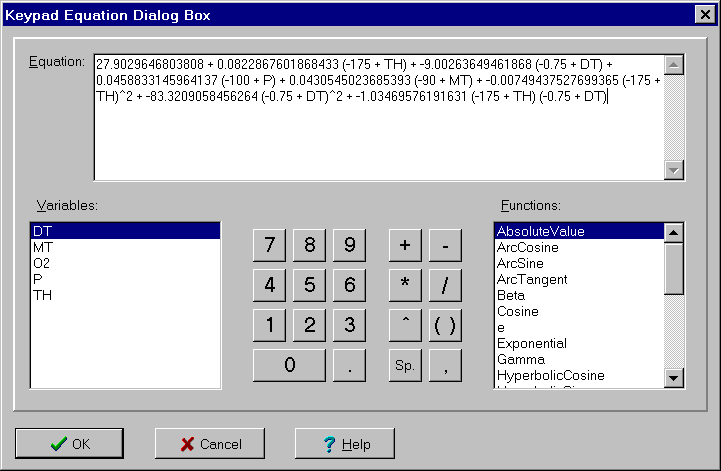
The Keypad Equation dialog box is used to enter an equation for either an output variable or objective function. The dialog controls are:
Equation edit box:
Used to enter an expression for an output variable or objective function. While the equation can be typed directly into this edit box, it is easier to enter it by double clicking on the variables and functions below as well as clicking on the character keys.
There are four special functions, ConstraintGreaterThanOrEqual, ConstraintGreaterThan, ConstraintLessThanOrEqual and ConstraintLessThan for specifying constraints.
Variables list box:
Displays list of available variables. Double click to insert variable into the equation. Types of variables appearing differs for output variables and objective functions.
Functions list box:
Displays list of available functions. Double click to insert function into equation.
Character keys:
Click on these key to add numbers and operators.
To close the dialog box and save the changes, click the OK button. To cancel the changes, click the Cancel button, press the Esc key or click the X in the upper right corner of the dialog box. For help, click the Help button or press the F1 key.