Contents
- Index
Name I/O System Dialog Box
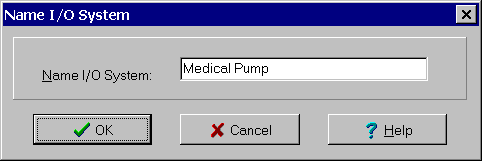
The Name I/O System dialog box is used to change the title at the top of the graphic in the I/O System window. It is selected by clicking the Name button at the bottom of the I/O System window. It can also be displayed by double clicking on the name at the top of the graphic in the I/O System window. The dialog controls are:
Name I/O System edit box: Used to enter a new name. All characters are allowed. The title can be of any length. It cannot be blank.
When done, click the OK Button or press the Enter key. To exit without changing the name, click the Cancel button or press the Esc key. Use the Help button or press the F1 key to get help.