Contents
- Index
Enter Notes Dialog Box
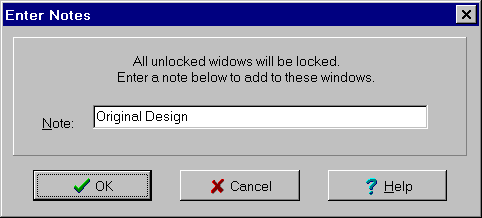
The Enter Notes dialog box is used to add notes to those unlocked windows about to be locked. It is displayed by selected the Lock All Unlocked Windows menu item on the Analysis menu. The dialog controls are:
Note edit box: Used to enter a note to add to all unlocked windows that are about to be locked. If left blank, no changes are made to the notes appearing on these windows.
When done, click the OK Button or press the Enter key. To exit without locking any windows or adding any notes, click the Cancel button or press the Esc key. Use the Help button or press the F1 key to get help.